
Is Perplexity AI down?
Is Perplexity AI not working? Check for a wider Perplexity service issue first, then use the symptoms below to distinguish an outage from a browser session, account, network, or request-specific problem.
Site Administrator
Last reviewed: September 25, 2026
LATEST RECORDED STATUS
Up Perplexity AI’s website appeared to be up and responding normally at the last check.
| Endpoint | Status | Observed |
|---|---|---|
| perplexity.ai | Operational | 2026-11-10 17:42 UTC |
Is it working for you?
0 recent reports — more reports are needed for a useful trend.
For the full picture, including partial or regional outages a single external check may miss, see Perplexity AI’s official status page. official status page.
What this check can tell you
Key takeaways
- Check the official Perplexity status page before repeatedly changing local settings.
- Test a private window, another browser, or a different network to separate local problems from a wider outage.
- If the homepage loads but an answer or search fails, record the exact action and error instead of treating it as a complete site outage.
- Avoid duplicate submissions while Perplexity is slow; wait briefly and retry once.
- DNS errors and connection timeouts can involve the route between your network and Perplexity, even when other websites work.
About Perplexity AI reliability
Understanding Perplexity AI availability
Perplexity AI can be partly available while a specific function is degraded. The website may load even when sign-in, searching, answer generation, or individual requests are slow or failing. A problem limited to one device or connection is more likely local; the same failure across separate browsers, devices, or networks is stronger evidence of a broader service issue.
Check the official Perplexity status page for provider-reported incidents. If it shows no incident, compare the result on another device or network before changing settings.
- Wider service issue: Perplexity fails across independent devices or networks, or the official status page reports an incident.
- Browser or session issue: The site works in a private window or another browser, but a particular tab or sign-in session fails.
- Network or DNS issue: Perplexity fails only on one connection and the error mentions DNS, a timeout, or another connection problem.
- Request-specific issue: The page opens, but one search, conversation, or answer remains stuck or returns an error.
How to troubleshoot Perplexity AI
Troubleshooting Perplexity AI problems
Check for a wider outage first
Open the official Perplexity status page. If it reports an incident affecting the website or a related function, the problem is likely service-side. Note the incident details and wait for an update rather than repeatedly changing browser settings.
If no incident is listed, test Perplexity on another device or network. This can reveal a partial issue affecting a particular provider, region, or connection path.
If Perplexity will not load
- Reload the page once, then try a private or incognito window.
- Temporarily disable extensions that alter scripts, privacy settings, or network requests.
- Clear Perplexity site data if the page is stuck in a reload loop or an old session appears corrupted.
- Try an updated browser and check whether other websites load normally.
If Perplexity works in a private window or another browser on the same device, the original browser profile, cached data, cookies, or an extension is the more likely cause.
If sign-in or an existing session fails
Try signing in through a fresh private window or another browser. If that works, the original session, cookies, or an extension is probably interfering. If sign-in fails across browsers and devices, compare the symptom with the official status page and test another network.
Do not repeatedly submit an account action that appears slow or incomplete. First confirm whether the previous attempt succeeded.
If searches or answers are slow or fail
Confirm whether the main site loads. If it does, wait briefly and try one short, new request. Note whether every request fails or only one conversation or query is affected. A failure across devices suggests a service-side problem; a single stuck conversation points more toward a session or request-specific issue.
If you see DNS, timeout, or connection errors
- DNS error: Test another network and compare whether the domain resolves there. Avoid changing DNS settings immediately if other devices on the same connection fail too.
- Connection timeout: Try a different connection, such as mobile data, to distinguish your network path from Perplexity availability.
- Connection refused or gateway error: Check the official status page and retry later; the failure may occur between your connection and the service.
- Certificate or redirect warning: Stop and do not bypass the browser’s security protection. Confirm that you are using the intended Perplexity website address.
If you use a programmatic integration
No separate API domain or API status URL is included for this service. For an integration failure, preserve the exact response, timestamp, request path, and whether the website works. Consult the provider documentation or support channel associated with that integration instead of assuming a website outage explains every API error.
Related troubleshooting guides
 TROUBLESHOOTING GUIDE
502 Bad Gateway
A 502 Bad Gateway means a reverse proxy, load balancer, or CDN could not obtain a valid response from the backend server. Check the backend process, proxy error log, upstream host or port, socket permissions, resource limits, and CDN-to-origin access. The fault is usually between servers rather than in the browser.
 TROUBLESHOOTING GUIDE
503 Service Unavailable
A 503 Service Unavailable response means the service cannot handle the request at that time. Common causes include exhausted CPU, memory, worker, or connection capacity; incomplete maintenance mode; an unavailable database or other dependency; or a proxy, WAF, rate limiter, or load balancer returning 503. Identify which layer generated the response, then review logs and resource usage before changing settings.
 TROUBLESHOOTING GUIDE
504 Gateway Timeout
A 504 Gateway Timeout means a proxy, CDN, load balancer, or gateway waited for a backend response but its timeout expired first. The backend may still be running; common causes include slow database queries, overloaded workers, long-running tasks, delayed third-party services, and restrictive intermediary timeouts. Compare direct backend timing with the full gateway path before changing timeout settings.
 TROUBLESHOOTING GUIDE
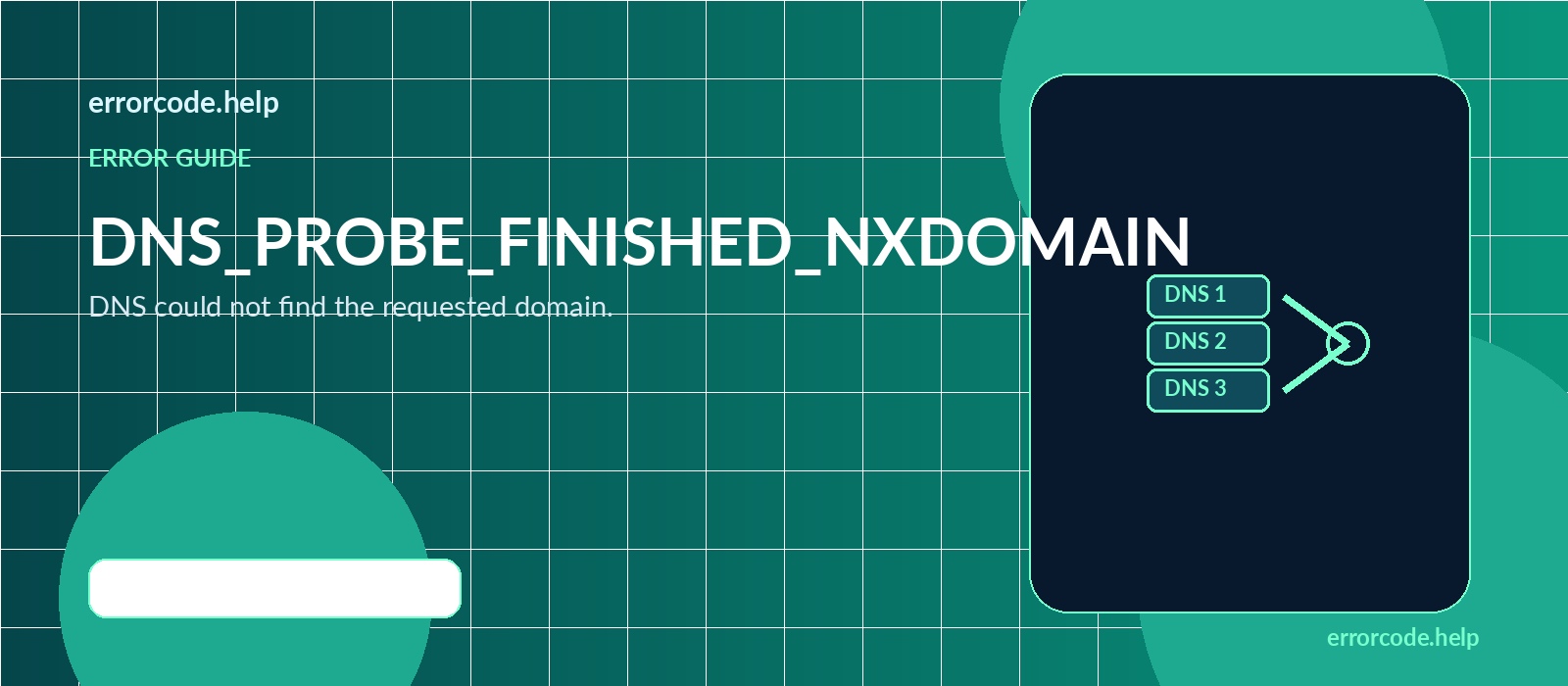
DNS_PROBE_FINISHED_NXDOMAIN
DNS_PROBE_FINISHED_NXDOMAIN means DNS could not find the exact hostname requested. Check the spelling, subdomain, authoritative nameservers, required A, AAAA, or CNAME record, and domain registration status. If the DNS change was recent, cached negative responses may persist; it is usually a DNS or domain configuration issue rather than a web-server outage.
 TROUBLESHOOTING GUIDE
ERR_CONNECTION_TIMED_OUT
`ERR_CONNECTION_TIMED_OUT` means the browser waited for the destination server or an intermediary to respond, but no usable response arrived before the connection timeout. Common causes include an unreachable or overloaded server, a firewall silently dropping traffic, incorrect DNS, a broken network route, or a CDN or proxy that cannot reach the origin. Test from another network first, then check DNS, infrastructure health, firewall rules, and resource usage.
Sources & references
Official source
- Perplexity status page — use this for provider-reported incidents and current availability updates.
Status information can change after this page is published. Treat the official status page as the primary source for current incident details. For integration-specific errors, consult the Perplexity documentation or support route associated with the integration.
How this check works
Every time this page loads, our server makes its own request to perplexity.ai (and its API domain, when applicable) and reports what it got back — a real HTTP response, a timeout, or a connection failure. That result is cached for up to 2 minutes.
This confirms external reachability; it does not test every feature, region, account, or network path. Cross-check the official status page when one is available.
Embed this live status badge
Add this badge to a dashboard, documentation page, or blog. The badge reads the cached Erriscope observation and links back to this status page.

<a href="https://erriscope.com/status/perplexity/"><img src="https://erriscope.com/status/badge/perplexity.svg" alt="Perplexity AI status on Erriscope" width="210" height="34"></a>Frequently asked questions
Is this the same as Perplexity AI's official status page?
No. This is a live, one-off connectivity check run from our own server, not Perplexity AI's own incident reporting. Their official status page can show partial, regional, or component-level issues our single external check cannot detect.
Why does this show "Up" when Perplexity AI feels slow or broken for me?
A basic reachability check confirms that the server responded to our request. It does not test every feature, region, ISP, browser, or account-specific issue.
How often is this checked?
A check is refreshed after the two-minute cache expires. The displayed check time shows when the observation was made.
Does an API outage mean the whole product is down?
Not necessarily. Many services split their website and API onto separate infrastructure, so one can fail while the other keeps working.
Is Perplexity AI down right now?
Check the official Perplexity status page, then test Perplexity from another browser or network. Failure across independent connections is more consistent with a broader service issue than a problem on one device.
Why does Perplexity load but fail to generate an answer?
The website and individual answer requests can fail separately. Wait briefly, try one new request, and check whether every request fails or only one conversation. If the problem affects multiple devices, review the official service status.
Why can I open Perplexity but not sign in?
Try a private window, another browser, and a fresh sign-in. If that works, cached site data, cookies, or an extension may be interfering. If the problem persists across browsers and devices, check the service status and try another network.
How can I tell whether my network is causing a Perplexity error?
Use a different network. If Perplexity works there, the original connection, DNS path, firewall, or provider route is more likely responsible. If it fails on multiple networks, investigate service-side status first.
Should I keep refreshing Perplexity during an outage?
No. Check the official status page, wait for an update, and retry periodically. Repeated refreshes or duplicate submissions make it harder to tell whether a slow request eventually completed.
Is there a separate Perplexity API status check on this page?
No separate API domain or official API status URL is included for this service. For API-specific errors, retain the response details and use the documentation or support channel provided with your integration.
This is a live connectivity check from our server, not an official statement from Perplexity AI. A down result may also reflect a regional or partial outage.
LIVE CHECKS